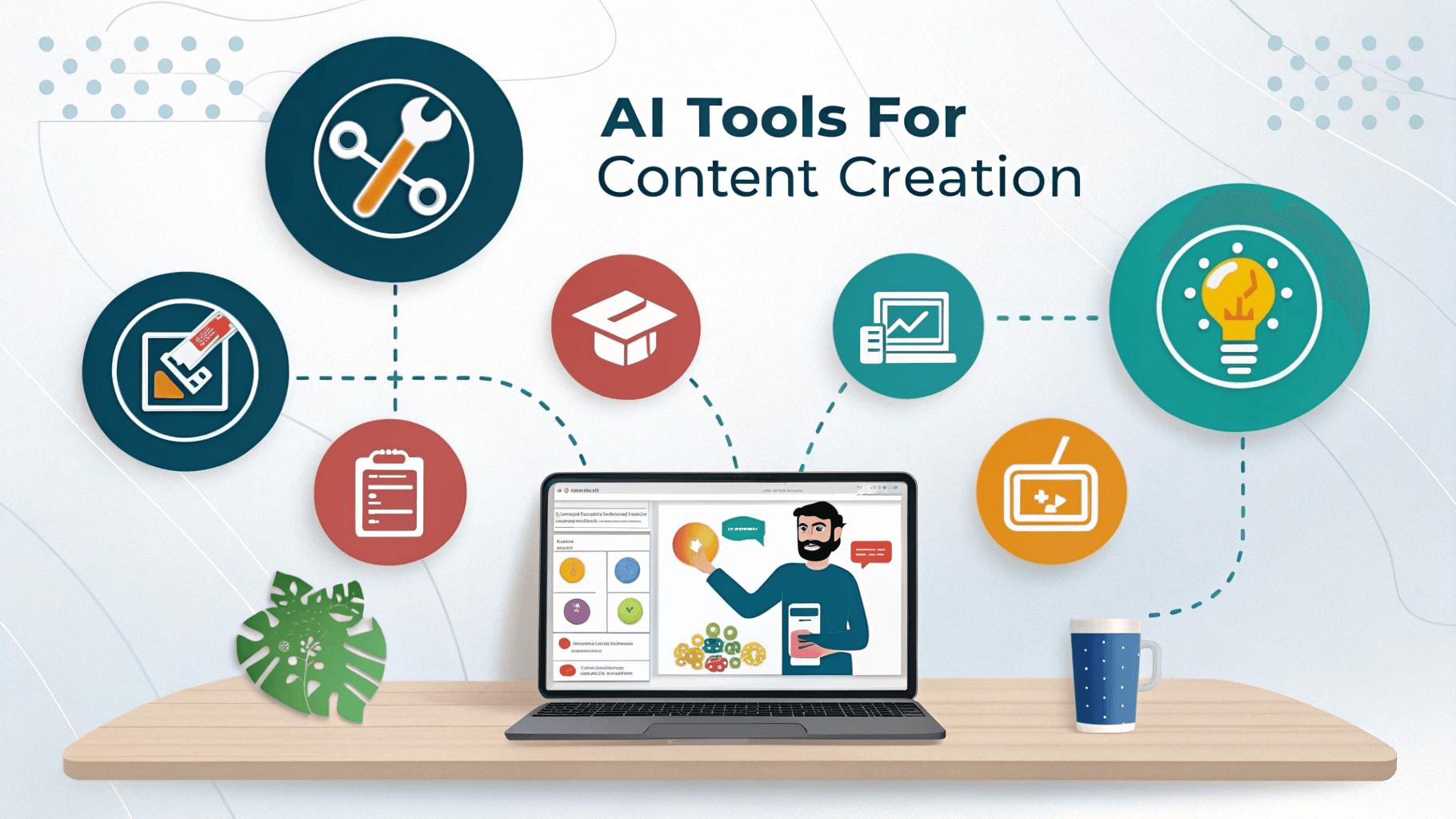
Tips For Best AI Tools for Content Creation in 2026: 9 Tools for Writing, Design, Video and Slides
Last updated: October 2026. Prices were checked on vendor pages and recent pricing guides between March and October 2026. Plans change often, so confirm before you subscribe.
Creating content used to mean one tool per job: a word processor, a design app, a video editor, a slide deck maker. Now AI sits inside almost all of them, and the real question is which ones are worth your time and money.
This guide groups nine tools by what you are actually making: writing, visuals, video and audio, and presentations. For each one you get the real price, what it is good at, and where it falls short.
One rule before we start. AI is best at the slow, repetitive parts of content creation: first drafts, resizing, captions, cleanup. It is not good at having original opinions or real experience. The content that performs well still has a human fingerprint on it, so treat these tools as helpers, not replacements.
Quick answer
| You are making… | Start with |
|---|---|
| Articles, scripts, captions | ChatGPT |
| Researched, source-backed content | Perplexity |
| Polished, error-free writing | Grammarly |
| Social graphics, thumbnails, logos | Canva or Adobe Express |
| Unique AI images | Leonardo AI |
| Podcasts and talking-head videos | Descript |
| Short videos for TikTok and Reels | CapCut |
| Slide decks and one-page sites | Gamma |
Writing and research
1. ChatGPT: best all-round writing assistant
ChatGPT handles outlines, first drafts, social captions, video scripts, email copy and rewrites. It is the tool most creators open first, and the one that touches the most steps in the workflow.
- Price: Free plan available. Go is about $8 per month, Plus is $20 per month
- Good for: Brainstorming, scripts, captions, rewriting
- Watch out for: It can state wrong facts with confidence, and unedited output reads generic. Always add your own details and check claims
[ADD YOUR OWN NOTE HERE: one real way you use ChatGPT in your own content, such as turning one blog post into captions or video scripts, and roughly how much time it saved.]
2. Perplexity: best for researched content
Before you publish a claim or a statistic, check it. Perplexity shows its sources so you can open them and confirm. Many creators research in Perplexity and write in ChatGPT, which we compare in Perplexity vs ChatGPT.
- Price: Free plan available, with limits on advanced searches. Pro is $20 per month
- Good for: Fact-checking and gathering sources
- Watch out for: Open the links before trusting a summary, and note that plan limits have shifted several times in 2026
3. Grammarly: best for clean, professional writing
Grammarly catches typos, awkward sentences and tone problems in blog posts, scripts and client emails. It is a small step that makes everything you publish look more careful.
- Price: Free plan available (limited AI prompts per month). Pro is about $12 per month
- Good for: Proofreading and clarity
- Watch out for: Do not accept every suggestion, or your writing will start to sound like everyone else’s
Design and images
4. Canva: best all-round design tool
Canva covers social posts, thumbnails, presentations, logos, infographics and simple videos from templates. Its AI features include background removal, magic resize and image generation.
- Price: Free plan available. Pro is $18 per month for one person, and cheaper on annual billing. Business, for teams, is about $25 per person monthly
- Good for: Almost every day-to-day design need
- Watch out for: AI features run on credits, so heavy use can hit a monthly cap. Try the free plan first
5. Adobe Express: best Canva alternative for Adobe users
Adobe Express is a browser and mobile design editor with Adobe’s Firefly AI built in. Its image generation is designed to be safe for commercial use, which matters if you sell your work.
- Price: Free plan available. Premium is $9.99 per month with 250 generative credits. Firefly Pro is $19.99 per month and adds 4,000 credits plus Photoshop on the web and mobile
- Good for: Creators who already use Adobe products, or who want commercially safe AI images
- Watch out for: Its template library and free plan are smaller than Canva’s
6. Leonardo AI: best free option for AI image generation
Leonardo generates AI art from text prompts and runs in the browser. Its free plan is generous compared with most rivals, which makes it a good first stop if you want unique visuals for thumbnails or blog images.
- Price: Free plan gives 150 tokens per day. Paid plans are Apprentice at $12, Artisan at $30 and Maestro at $60 per month
- Good for: Custom illustrations, concept art, unique blog and social images
- Watch out for: Free-plan images are public, and privacy and commercial use are tied to paid plans, so read the terms before using outputs for a business
Video and audio
7. Descript: best for podcasts and talking-head videos
Descript lets you edit audio and video by editing a transcript, like a document. Delete a sentence in the text and it disappears from the recording. It also removes filler words and can generate captions, which saves hours on spoken content.
- Price: Free plan available. Hobbyist is $16 per month on annual billing ($24 monthly). Creator is $24 annually ($35 monthly), and Business is $50 annually ($65 monthly)
- Good for: Podcasts, interviews, YouTube talking-head videos, webinars
- Watch out for: Media hours and AI credits are capped per plan, and the free plan has limits and a watermark on exports
8. CapCut: best for short-form video
CapCut is the go-to editor for TikTok, Reels and Shorts, with templates, auto-captions, background removal and AI effects. Its free version is capable, but more AI features have moved behind the paid plan over time.
- Price: Free plan available. Pro is $19.99 per month or $179.99 per year, though regional prices vary. Pro unlocks the full AI toolkit, 4K export and Pro templates without watermarks
- Good for: Short vertical videos and quick edits
- Watch out for: Some templates and effects carry a watermark unless you pay, and the feature split between free and Pro has changed more than once, so check before you commit
Presentations and pages
9. Gamma: best for AI-built slides and one-page sites
Gamma turns a prompt or outline into a finished deck or simple web page in minutes. It is handy for client proposals, lead magnets, course outlines and quick pitches.
- Price: Free plan with 400 one-time AI credits and Gamma branding. Plus is $10 per month ($8 on annual billing), Pro is $20 per month ($15 annually), and Ultra is $100 per month
- Good for: Fast first drafts of presentations and simple pages
- Watch out for: Credits run out quickly if you create often, and free decks carry Gamma branding. Edit the AI’s layout and wording, because first drafts can feel generic
One idea, many formats: a simple repurposing workflow
The biggest time-saver for creators is not any single tool. It is turning one idea into several pieces of content:
- Write the core piece. A blog post or script, researched with Perplexity and drafted with ChatGPT, then polished in Grammarly.
- Turn it into a video. Record yourself reading the key points and edit in Descript or CapCut.
- Make the graphics. Create a featured image and social cards in Canva.
- Pull out short clips and captions. Use CapCut for vertical clips and ChatGPT to draft captions.
- Build a slide or lead magnet. Use Gamma to turn the outline into a quick deck.
One idea becomes five pieces of content, and each tool does the part it is best at.
Two ready-made stacks
The $0 starter stack
- ChatGPT (free)
- Perplexity (free)
- Grammarly (free)
- Canva (free)
- Leonardo AI (free daily tokens)
- CapCut (free)
- Descript (free)
- Gamma (free credits)
This covers writing, design, video and slides at no cost. You will hit limits, which tells you exactly which tool is worth paying for.
The lean paid stack (video-focused creator)
| Tool | Approx. monthly cost |
|---|---|
| ChatGPT Plus | $20 |
| Canva Pro | $18 |
| Descript Hobbyist (monthly billing) | $24 |
| Everything else | Free plans |
Total: roughly $62 per month at monthly prices, a little less on annual billing. Swap Descript for CapCut Pro if you make mostly short-form video.
Tools we left out, and why
The earlier version of this post suggested 15 tools. We trimmed it:
- Jasper, Copy.ai and Writesonic: Their plans have grown pricey or shifted toward marketing and AI-search platforms. For a solo creator, ChatGPT covers most of the same writing jobs at $20 or less.
- Pictory: A blog-to-video tool at around $29 per month with no free plan. Useful for some, but Descript and CapCut cover most creators better.
- Notion AI and Buffer: Great for planning and scheduling, which we cover in our blogger tools guide.
FAQ
What is the best AI tool for content creation? For most creators, ChatGPT for writing plus Canva for design is the best starting pair. Add Descript or CapCut if you make video.
Are AI content creation tools free? Many have free plans: ChatGPT, Perplexity, Grammarly, Canva, Leonardo AI, CapCut, Descript and Gamma all do, though limits and watermarks apply.
Can AI replace content creators? No. AI speeds up production, but audiences connect with original ideas, real experience and a distinct voice. Creators who add those do better than those who only publish AI output.
Which AI tool is best for social media content? Canva for graphics, CapCut for short videos, and ChatGPT for captions and ideas.
Do I need to disclose AI use? Rules vary by platform and country. Some platforms ask you to label AI-generated realistic images or video. Check each platform’s current policy.
Is AI-generated content safe to use commercially? It depends on the tool and plan. Read each tool’s commercial-use terms, especially for image generators on free plans.
Final thoughts
You do not need all nine tools. Pick the format you publish most, start with the free plan of the tool that fits, and add one more only when you hit a real limit. Whatever you make, keep your own ideas and experience in it, because that is what people remember.
Keep reading:
- Best AI Tools for Bloggers
- Best AI Tools for SEO
- Best Free AI Tools for Freelancers
- Best AI Presentation Makers
Disclosure: Some links on this site may be affiliate links. If you buy through them we may earn a commission at no extra cost to you. It never changes our recommendations.
About The Author