
9 Best AI Tools for Customer Service in 2026: What They Really Cost
Last updated: October 2026. Prices were checked on vendor pages and recent pricing guides between June and September 2026. Support pricing changes often, so confirm before you buy.
Customer service is where AI saves the most time, and also where it hides the most surprising bills. In 2026, many support tools charge a monthly seat fee and a separate fee every time the AI resolves a ticket. A tool that looks like $19 a month can quietly become a few hundred.
This guide compares nine tools by what small businesses and startups actually need: a clear price, a realistic AI cost, and an honest note on who each one is for.
Quick answer
| Your situation | Best starting point |
|---|---|
| Solo or tiny team, zero budget | Crisp or Zoho Desk free plans |
| Online store that wants an AI chat widget | Tidio |
| Email-based support, small team | Help Scout |
| Growing team that needs a full help desk | Freshdesk |
| Already use HubSpot for sales | HubSpot Service Hub |
| High ticket volume and you want AI to resolve most of it | Fin (formerly Intercom) |
| Larger team, many channels | Zendesk |
| Drafting replies and FAQs yourself | ChatGPT |
The new pricing rule you need to understand
Before comparing tools, understand how AI is billed in 2026. There are three models:
- Per seat: You pay for each support agent, like $19 or $25 per person per month.
- Flat workspace: One price covers your whole team (Crisp does this).
- Per AI resolution: You pay each time the AI fully handles a conversation. Published rates run from about $0.50 to $0.99 per resolution.
Most tools combine #1 and #3. Here is what that means in practice. If your AI resolves 200 conversations a month, the AI charge alone is roughly:
| Rate per resolution | Cost for 200 resolutions |
|---|---|
| $0.50 | $100 |
| $0.75 | $150 |
| $0.99 | $198 |
That is on top of seat fees. So always multiply the per-resolution price by your realistic ticket volume before you commit.
The 9 best AI tools for customer service
1. Tidio: best AI chat widget for small online stores
Tidio gives you live chat plus an AI agent called Lyro that answers questions from your website content. Setup is quick, which is why it is popular with small shops.
- Price: Free plan with 50 conversations per month. Starter is $29 per month ($24.17 on annual billing) for 100 conversations. Growth starts at $59 per month. Lyro AI is a separate meter, from about $39 per month for 50 AI conversations. The free plan includes only a one-time allowance of 50 Lyro conversations
- Good for: Websites and online stores with simple, repeat questions
- Watch out for: Three separate meters (human conversations, AI conversations, automation visitors) mean the bill depends on how you combine them
[ADD YOUR OWN NOTE HERE: if you tested Tidio’s free plan on a demo site, add one real screenshot and a line on how the AI answered a basic question.]
2. Crisp: best for tiny teams on a budget
Crisp bundles live chat, a shared inbox and a help center, and prices per workspace instead of per seat. That means adding a teammate does not automatically raise your bill.
- Price: Free plan with 2 seats. Paid plans are priced per workspace, so the total stays flat as the team grows. Check the current tiers on their site, since they restructured plans in 2026
- Good for: Startups and small teams that want chat plus inbox in one place
- Watch out for: Its AI features are lighter than the specialist AI tools, so it suits teams that mostly answer people themselves
3. Help Scout: best for email-first support
Help Scout feels like a clean shared inbox rather than a heavy ticketing system. It also has a chat widget called Beacon and a help center.
- Price: A free plan exists for up to 5 users with limited contacts. Standard is about $25 per user per month. AI resolutions are about $0.75 each
- Good for: Small support teams that want something simple and calm
- Watch out for: Fewer advanced automation and phone features than larger help desks
4. Freshdesk: best all-round help desk for growing teams
Freshdesk covers tickets, a knowledge base, SLAs and automation, and the price per agent stays reasonable. Note that 2026 brought changes: prices went up, and the old generous free plan is now limited.
- Price: Growth is $19 per agent monthly (annual billing), Pro is $55, and Enterprise is $89. The free option now covers up to 2 agents for the first six months. AI is extra: the Copilot add-on is about $29 per agent monthly, and the customer-facing AI Agent includes 500 sessions on Pro and Enterprise, then about $49 per 100 sessions
- Good for: Teams that have outgrown a shared inbox
- Watch out for: The Growth plan has no AI agent, so real AI support costs more than the headline price
5. Zoho Desk: best value help desk
Zoho Desk is one of the cheapest full help desks, and it has a real free plan.
- Price: Free for up to 3 agents (email ticketing). Paid plans are about $7 (Express), $14 (Standard), $23 (Professional) and $40 (Enterprise) per agent monthly on annual billing
- Good for: Budget-conscious teams already using other Zoho apps
- Watch out for: Express is capped at 5 agents, live chat is not included until the top tier, and AI features differ by plan, so check which plan includes the AI you want
6. HubSpot Service Hub: best if you already use HubSpot
If your contacts and deals already live in HubSpot, adding support there keeps everything on one customer record. Its AI customer agent moved to outcome-based pricing in 2026, at roughly $0.50 per resolved conversation on top of seat plans.
- Price: Free tools exist; paid Service Hub plans are per seat and rise quickly with features
- Good for: Businesses already running sales and marketing in HubSpot
- Watch out for: Costs climb as you add seats and tiers, so only upgrade for a specific feature
7. Fin (formerly Intercom): best AI agent for high volume
Intercom renamed itself Fin in May 2026, and in June 2026 Salesforce announced a deal to acquire it. Fin’s AI agent can work on top of other help desks too, not only Intercom’s own.
- Price: $0.99 per resolved conversation. If you use Intercom’s helpdesk as well, seats run roughly $29, $85 and $132 per month depending on plan (annual billing)
- Good for: Companies with lots of repetitive tickets where the AI can resolve a large share
- Watch out for: Costs rise as the AI gets better, because you pay per resolution. Not worth it for a handful of tickets a week
8. Zendesk: best for larger teams and many channels
Zendesk is the heavyweight: email, chat, messaging, phone, social, and deep reporting. Its pricing changed a lot in 2026.
- Price: Support Team is $19 per agent monthly (email ticketing only, no AI agents). Suite Team is $55, and Suite Professional is $115 on annual billing, and monthly billing costs roughly a quarter or more extra. Since May 2026, AI agents are included on plans but each automated resolution beyond a small monthly allowance (about 5 to 15 per agent) is billed on top. The Copilot add-on for agents is about $50 per agent monthly
- Good for: Teams with multiple channels and complex support needs
- Watch out for: The total can balloon with add-ons and resolution fees. Overkill for most small businesses
9. ChatGPT: best for drafting replies and FAQs
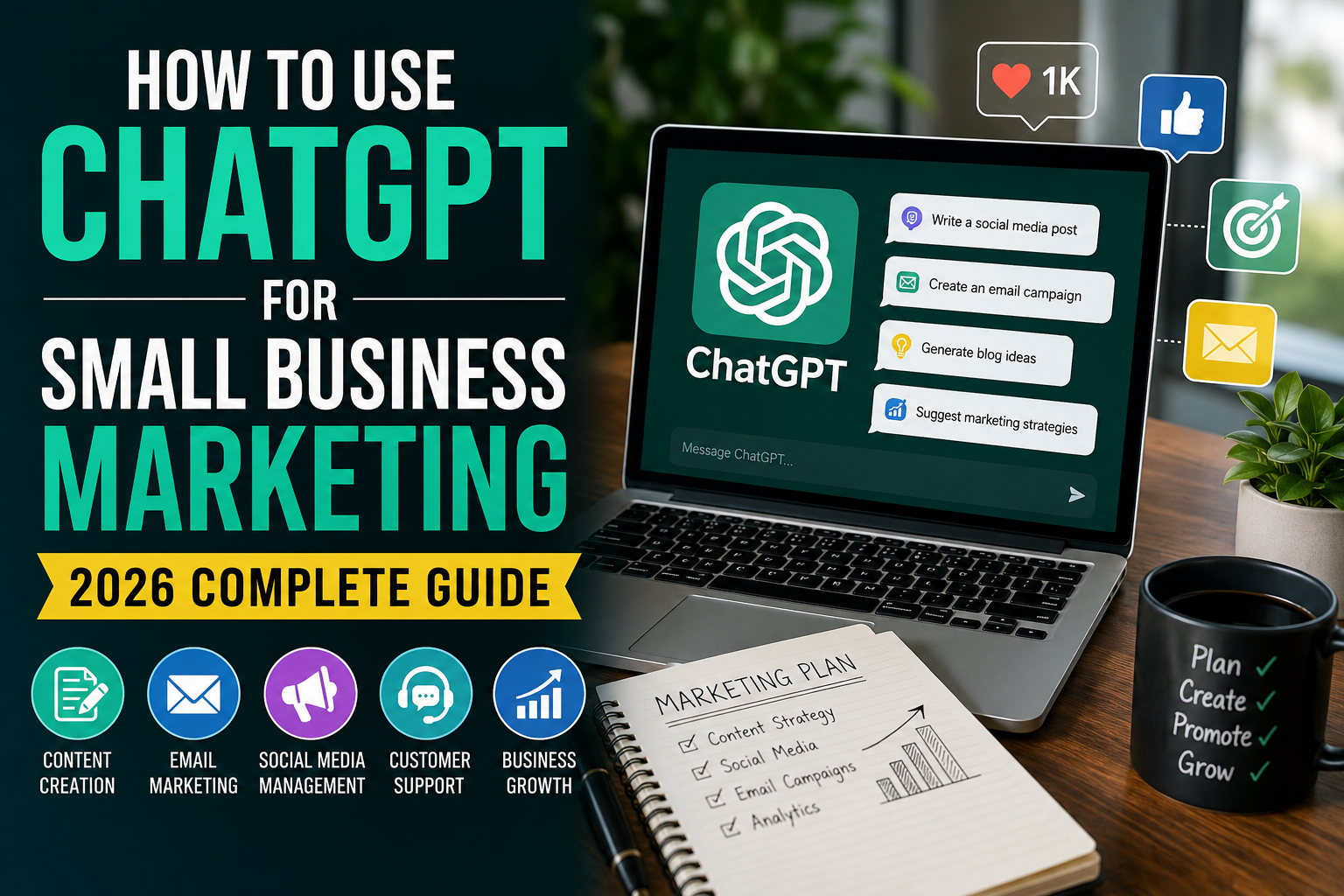
You do not need a help desk to benefit from AI. Many small businesses use ChatGPT to draft replies, rewrite FAQ pages and turn messy customer feedback into clear answers, then send them from their normal inbox.
- Price: Free plan available. Plus is $20 per month
- Good for: Solo owners and very small teams
- Watch out for: It is not connected to your tickets. A human must review before sending, and never paste sensitive customer data without checking your privacy settings
Tools we removed from the earlier version, and why
Our first version of this list had 12 tools. We removed or changed a few:
- Drift: Salesloft announced in March 2026 that it is winding down Drift, so we no longer recommend it to new buyers.
- Ada: An enterprise AI tool with custom pricing and no public price list. It is not aimed at small businesses.
- LiveChat: A solid chat tool, but we could not verify current pricing for this update, so we left it out rather than guess.
Which one should you pick?
A simple way to decide:
- Under 100 conversations a month? Use a free plan (Crisp, Zoho Desk, Tidio) and ChatGPT for drafting.
- Mostly email, small team? Help Scout.
- Need tickets, SLAs and reporting? Freshdesk or Zoho Desk.
- Already on HubSpot? Stay on HubSpot.
- Hundreds of repeat questions a week? Test Fin or a Zendesk AI agent, but model the per-resolution cost first.
FAQ
What is the best AI tool for customer service? It depends on size. For small businesses, Tidio, Crisp and Help Scout are easy starting points. For high volume, Fin and Zendesk are the main AI-agent options.
Can AI replace customer support agents? Not fully. AI handles routine questions well, but complex, emotional or unusual issues still need a person. Good setups hand off to a human easily.
Are AI customer service tools expensive? The seat price is usually modest, but AI is often billed separately per resolution or per session. Estimate your monthly ticket volume to see the real cost.
How much does an AI resolution cost? Published rates in 2026 range from roughly $0.50 to $0.99 per resolved conversation, depending on the vendor.
Is it safe to let AI answer customers? It is safe when the AI is limited to your approved help content and can escalate to a human. Review its answers regularly in the first weeks.
The best AI support tool is the one you can afford at your real ticket volume. Start with a free plan, track how many questions repeat, and add paid AI only when the numbers justify it.
Keep reading:
- Best AI Tools for Startups
- Best AI Tools for E-commerce Businesses
- Best Free AI Tools for Freelancers
- Best AI Meeting Assistants
Disclosure: Some links on this site may be affiliate links. If you buy through them we may earn a commission at no extra cost to you. It never changes our recommendations.
About The Author





One Comment